 Your part: Lead
Park
Open Karpool on Android Auto or an Android Automotive OS head unit. Play begins only when the vehicle is parked.
Karaoke for the parked car
A pitch-scored karaoke game on your car screen. Every passenger’s phone becomes a mic—including yours.
Store listings are not live yet. The Karpool game is for Android and Android Automotive OS; Karpool Companion is planned for Android and iPhone.
Three moves. One big chorus.
Open Karpool on Android Auto or an Android Automotive OS head unit. Play begins only when the vehicle is parked.
Show the join code on the car screen. Players scan it in Karpool Companion over a local network—no account needed.
Pick Everyone, Duet, or Solo turns. Follow the lyric lanes, match the notes, and chase the high score together.
Built for the whole car
Keep the shared action on the dashboard and give every singer a personal, color-coded part on their own phone.
Sing the whole track together, split a duet, or pass the spotlight in solo turns.
Companion analyzes pitch on each phone and sends note events—not microphone recordings—to the game.
One player can use a compatible microphone already available to the car game.
Follow lyric lanes, note bars, and a live score for every singer while the chorus unfolds.
No Karpool account, ads, or analytics. Party traffic goes directly between your nearby devices.
The car experience is made for parked use and pauses when the vehicle begins moving.
From the real build
Development captures from the 800×480 projected display, wide AAOS head unit, and Karpool Companion.
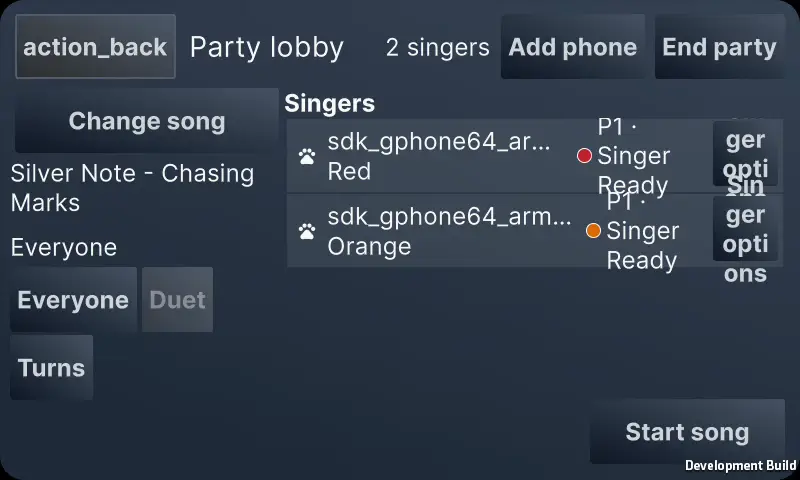
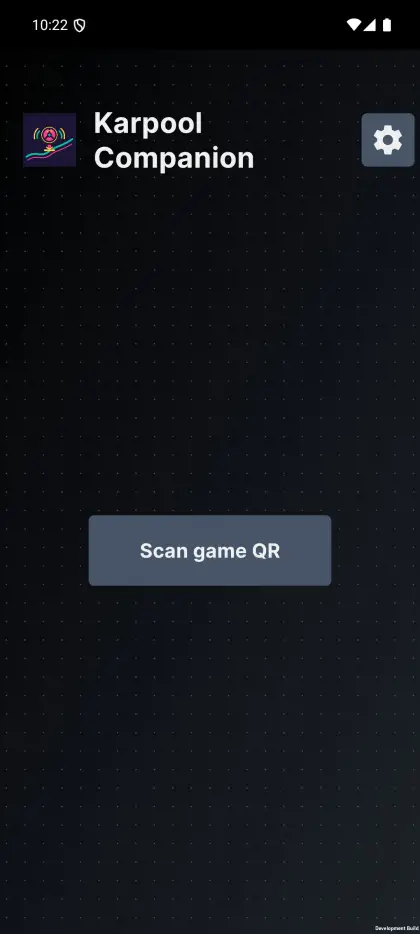
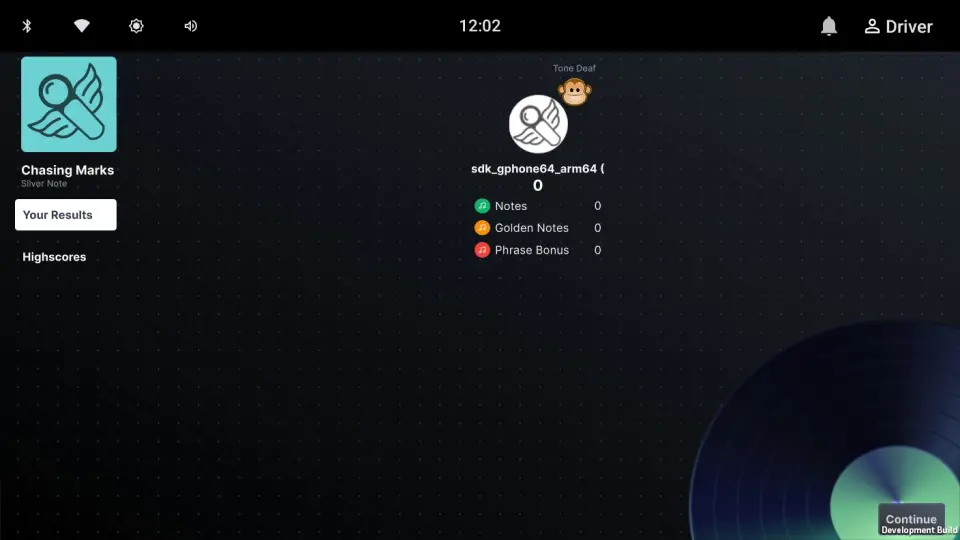
Screens show test names and development UI; final store builds may change.
Good to know
No. Karpool’s car experience is for parked use only. It pauses when the car starts moving and requires an explicit resume after parking.
For a 2+ player round, each singer uses Karpool Companion on an Android phone or iPhone. A solo player can use a compatible microphone available to the Karpool game.
Raw microphone audio stays on the device that records it. Companion sends derived timing, note, and frequency events to the joined Karpool game over the local network.
There are no Karpool accounts. Companion and the game must be able to reach each other on the same local network or hotspot. Some optional downloads require internet access.
Karpool targets Android Auto and Android Automotive OS head units. The projected Android Auto build requires a compatible car display and phone. Final compatibility details will be published with the store release.
Karpool plays UltraStar-format songs. Release song content is still being finalized; the site does not promise a particular catalog. Included CC BY material is credited on the Licenses page.
No keys in the ignition
Step through parking, joining, song choice, live singing, and results in an accessible browser simulation.
Open the simulation